Get a free My Pages account and start saving time
It’s time to discover My Pages. Custom design your tool, get tool recommendations, make smarter tool choices. Register for free today.Let’s face it: routine tasks can eat up a surprising amount of your day. Whether you’re searching for the right tool, configuring a custom solution, or just trying to keep up with product updates, these repetitive jobs can slow you down and drain your energy.
But what if you could automate or simplify most of these repetitive processes? That’s where My Pages comes in. A free, all-in-one digital platform and tool management solution designed to help you spend less time on admin and free up more time to have a cup of tea or catch up with your colleagues. If you’re curious about how to make your workday easier, read on!
The challenge of routine tasks
Every manufacturing professional knows the pain of repetitive, time-consuming tasks. Maybe you’ve spent hours flipping through catalogs trying to find an appropriate tool, or you’ve had to manually cross-reference materials and grades for a new job. Perhaps you’ve waited weeks for a custom tool design or struggled to keep track of machine settings and product updates in your existing tool management system?
These aren’t just minor annoyances, they add up to lost productivity, increased errors, and, quite frankly, a lot of frustration. The good news? There is a better way with Seco’s complete tool management software.

A digital assistant in your pocket
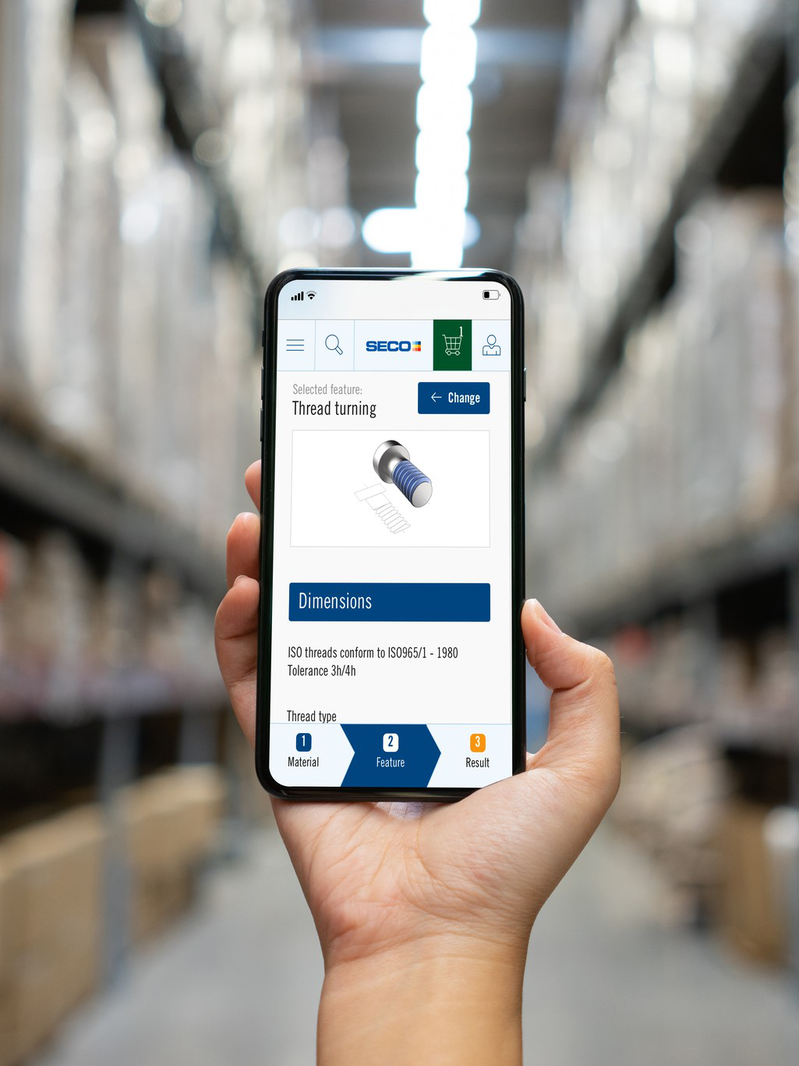
My Pages is your central hub for all things tooling and machining. It’s free to use (just sign up for an account (HERE)), integrates seamlessly with the Seco app, and brings together a suite of digital services designed to save you time and improve your data tool management.
Think of it as your own personal assistant, always ready to help you find, configure, and manage the tools and information you need, quickly. With advanced tooling data and a robust data management tool, you’ll always have the right information at your fingertips.
Key services that will save you time
This all-in-one tool management system is designed to streamline your workflow and centralize your tooling data: Let’s break down some of the standout features in My Pages, with insights from the experts who built them:

1. Product Search
Product Search quickly finds tools by designation, grade, or criteria so there’s no need to browse through a catalog manually. “Instead of flipping through pages, you just type in what you need and get instant results,” says Gregor Potocnik, Digital Offer Lead. “It’s perfect when you already know what you’re looking for and want detailed product info”.
2. Suggest
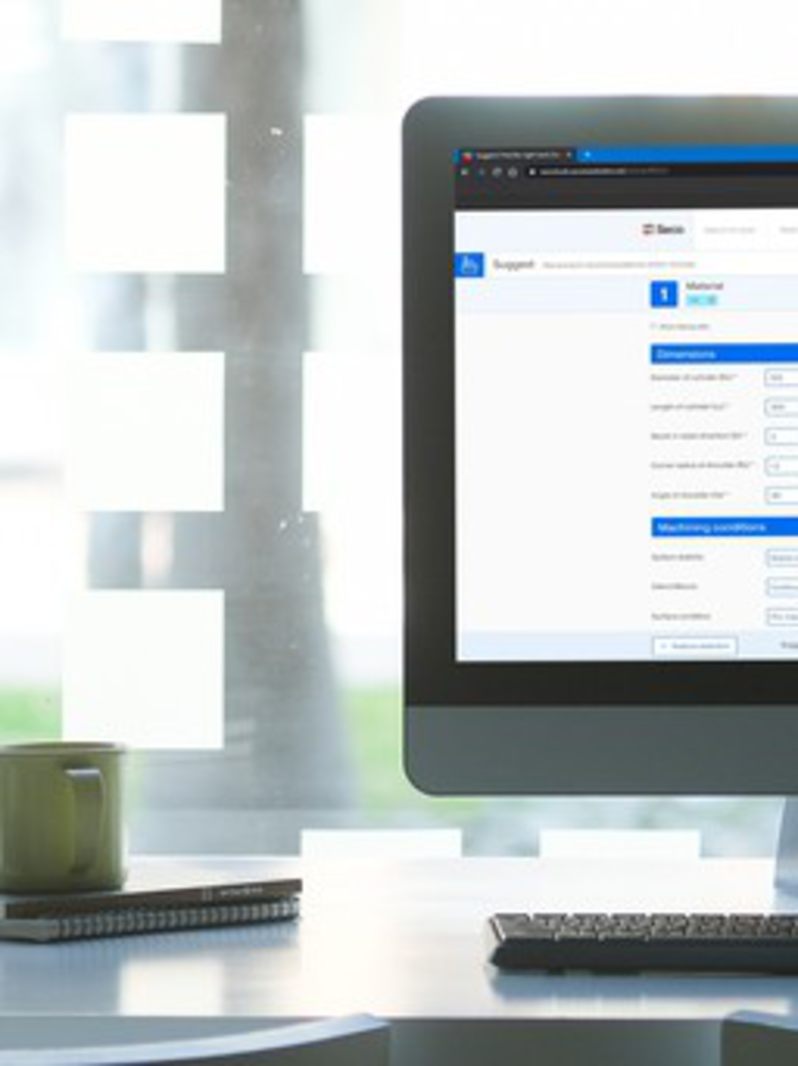
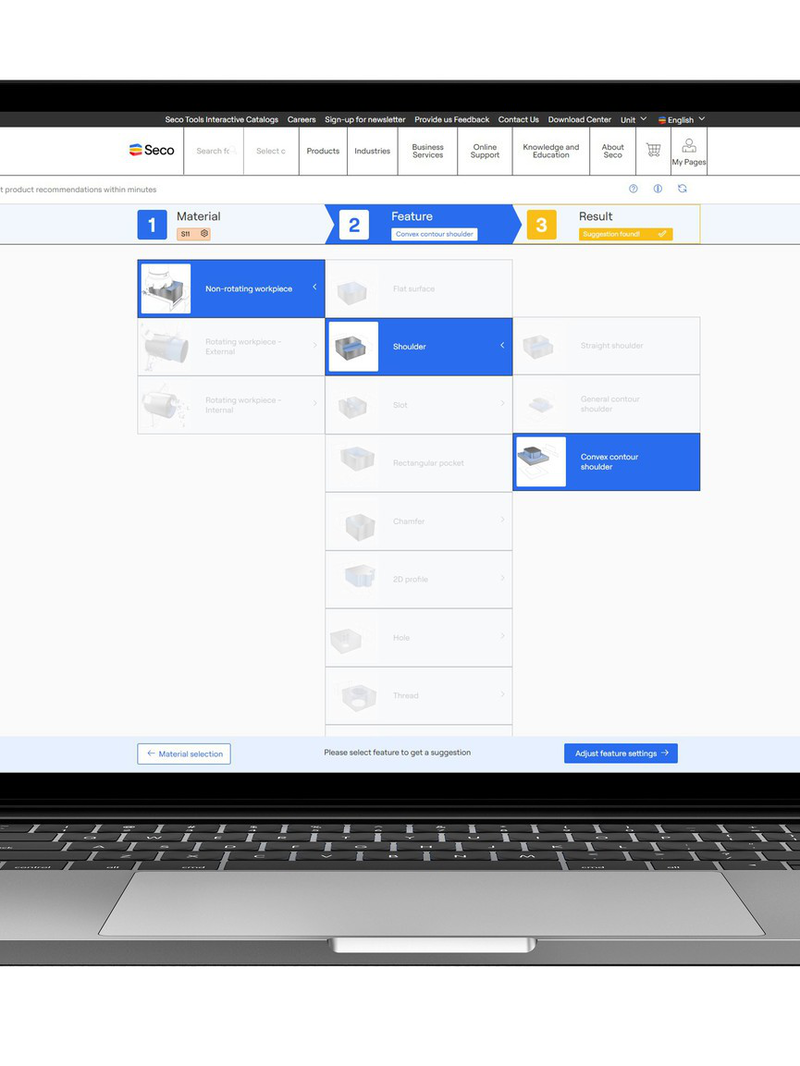
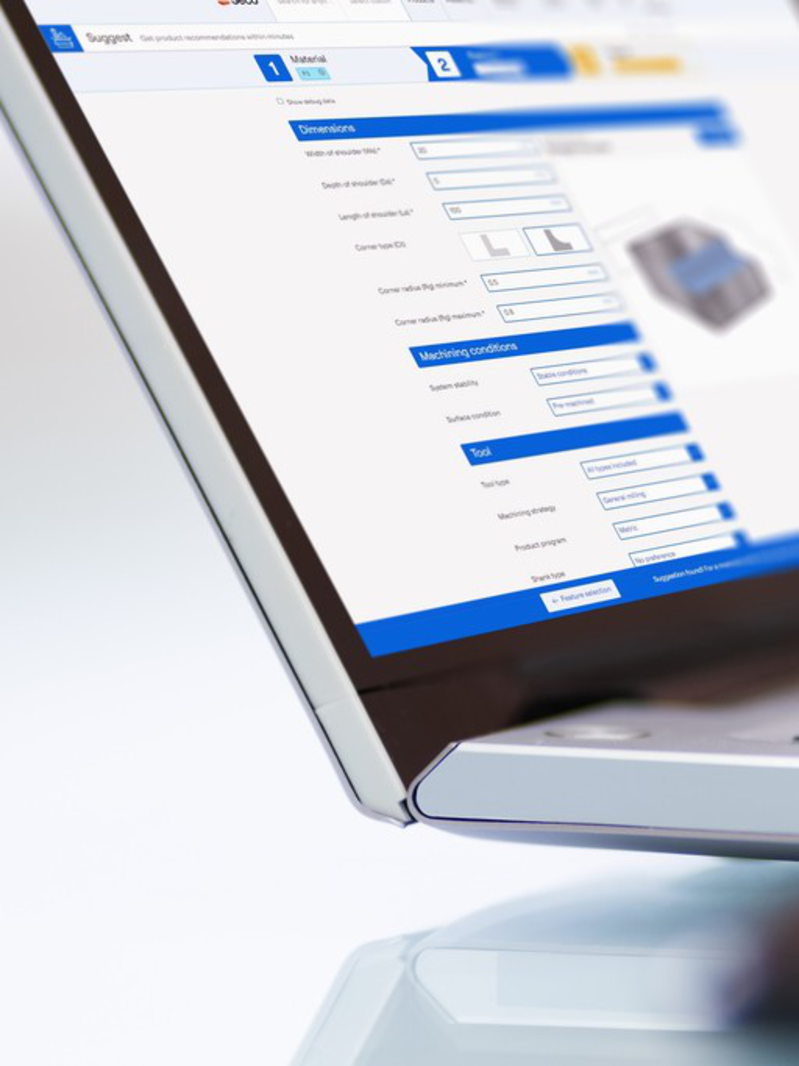
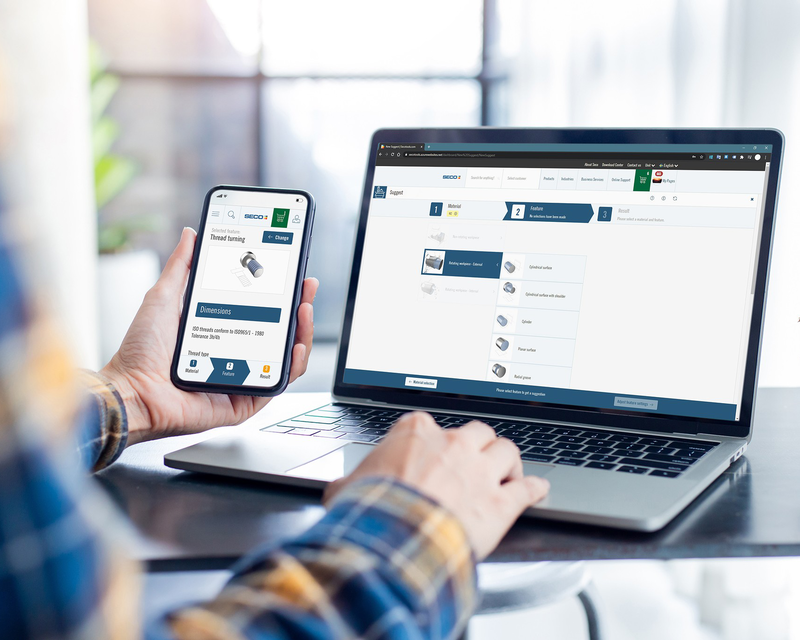
Suggest provides instant, expert tooling advice and optimal tool recommendations based on your application data. You enter the material, operation type, and cutting parameters, and Suggest generates the best tooling options in seconds. No more trial-and-error or waiting for email responses. Just quick, actionable advice.
3. Digital Tool Assembly
Digital Tool Assembly builds complete tool assemblies with exportable 2D/3D files for CAM integration. “Many users don’t realize this feature creates full digital twins for CAM systems, streamlining the entire setup process. It’s a huge time-saver, especially for complex assemblies”, explains Gregor.
4. My Design
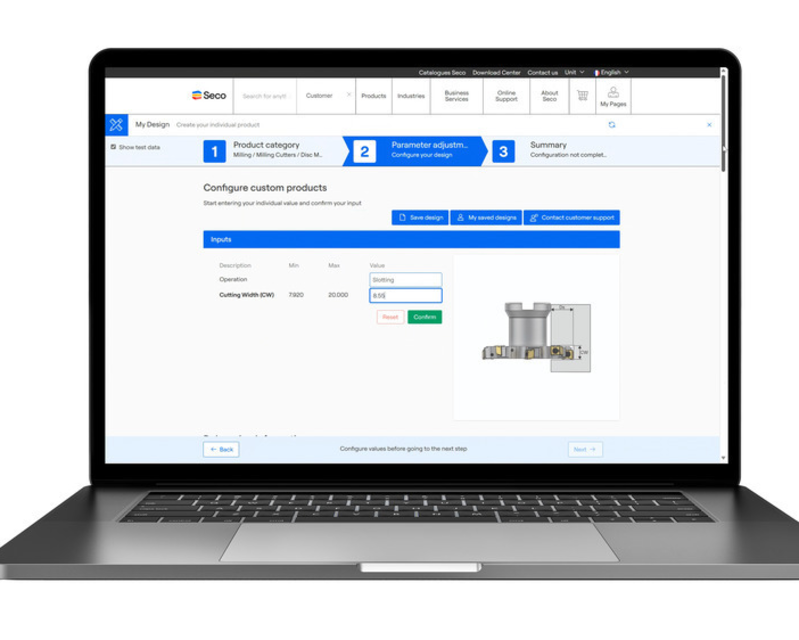
My Design lets you configure custom tools in minutes, not weeks. “By using My Design, users can configure a custom tool and request a quotation with 2D/3D models instead of waiting weeks for email-based design exchanges,” says Erik Ekqvist, Product Lead. “This is a game-changer for anyone needing bespoke solutions”.

5. Machine Library
The Machine Library saves machine settings and provides machine-specific cutting data. No need for repetitive recalculations or searching for the right settings. Everything is stored and ready to use, ensuring consistency and accuracy.
6. Favorite Tools
Favorite Tools stores and shares frequently used tool lists. You can organize your setups and access them instantly. It can save hours by keeping your most-used configurations at your fingertips.

7. Material Library
The Material Library helps identify and save materials, eliminating looking through catalogs. This avoids manual cross-referencing and makes material selection a breeze.
8. Product Range Update
Product Range Update keeps you updated on changes, deletions, and alternatives in the product range. You’ll get alerts about discontinued tools and suggested alternatives, so you’re never caught off guard.
9. Component Guidance
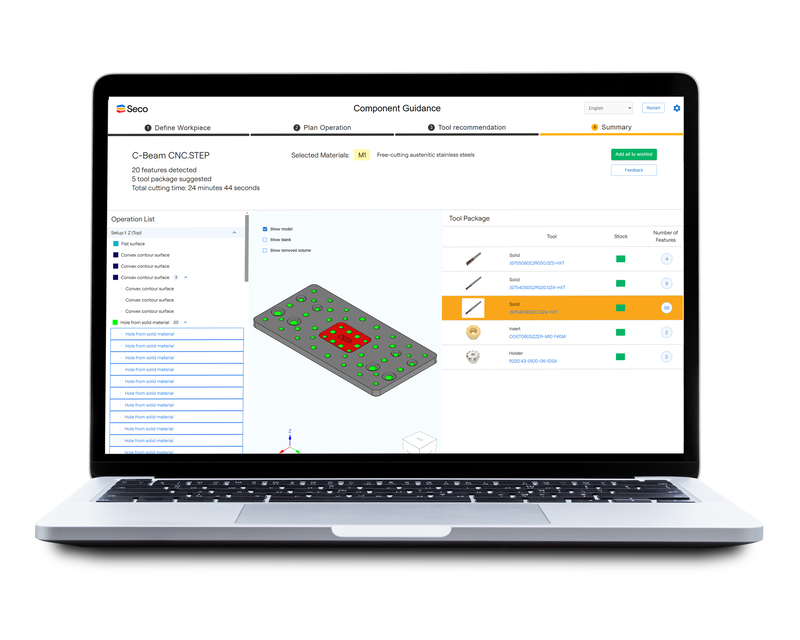
Component Guidance lets you upload 3D models and receive complete tool recommendations with cutting data. “A user could save an hour by letting Component Guidance scan the 3D model and suggest tools for multiple operations,” says Erik. The full process takes about five minutes compared to hours with traditional methods.
What’s the biggest benefit users report?
Eliminating manual catalog searching, which speeds up tool selection and ordering, is the biggest benefit according to existing users. For example, with Suggest, you can go from entering your parameters to having a tool recommendation, and even placing an order, within minutes.
My Design reduces custom tool design from weeks to minutes, while the Machine Library ensures you always have the right cutting data on hand. These aren’t just small improvements, they’re workflow transformations.
How My Pages compares to traditional methods
Traditional tool selection:
- Browse paper catalogs
- Cross-reference materials
- Contact support for recommendations
- Manually calculate cutting data
- Test tools
With Suggest (part of My Pages):
- Enter parameters in Suggest
- Get instant recommendations
- Order tools online
- Ready to use and no testing needed
CAM programming:
- Load 3D model into an expert system
- Spend hours making a machine program
- Search for suitable tools for every operation
With Component Guidance (part of My Pages):
- Upload 3D model
- Scan model
- Receive tool recommendations with cutting data for every operation
- Full process: about five minutes
Expert tips & FAQs
- Don’t overlook Digital Tool Assembly and Favorite Tools. They are underutilized but can save you hours.
- Product Range Update is your friend for staying up to date in real time with product changes.
- My Pages isn’t just a catalog. It’s a full productivity platform with design, optimization, and machine integration services.
Ready to save time and cut down on routine tasks?
Log in to MyPages and explore your suite of free digital services today. Your next productivity boost is just a click away. With MyPages, you get one platform and multiple time-saving tools so you can focus on other important tasks. Why not give it a try and see how much time you can save?
Apply for a My Pages account